Today & Reflow
See your plan for today. Review a revised schedule when your day changes before applying it.

Good routines are rarely built through pressure. Rhythm is designed to make everyday habits, tasks, routines, and progress easier to see and easier to maintain.
iPhone · iPad
Coming to iPhone and iPad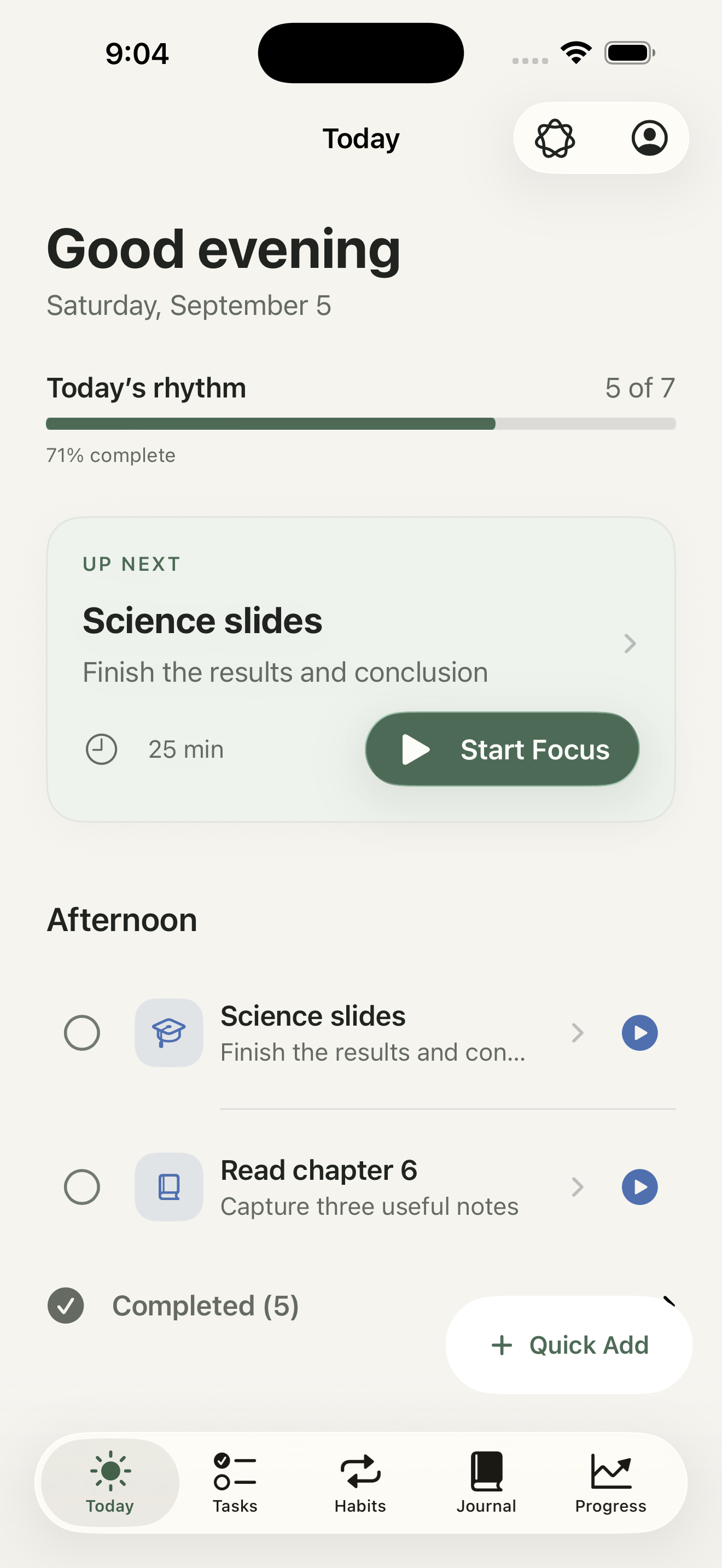
Product story
See your plan for today. Review a revised schedule when your day changes before applying it.
Choose repeating days, a time of day, and a duration. Start Focus directly from a scheduled habit card.
Describe a task or habit naturally, then review its title, duration, and schedule before saving.
Focus on one task with a timer. Pause, add five minutes, or enter Zone In. Decide whether to finish or keep working when time is up.
Keep reflections and photos on your device. Review suggested tasks or habits before adding them.
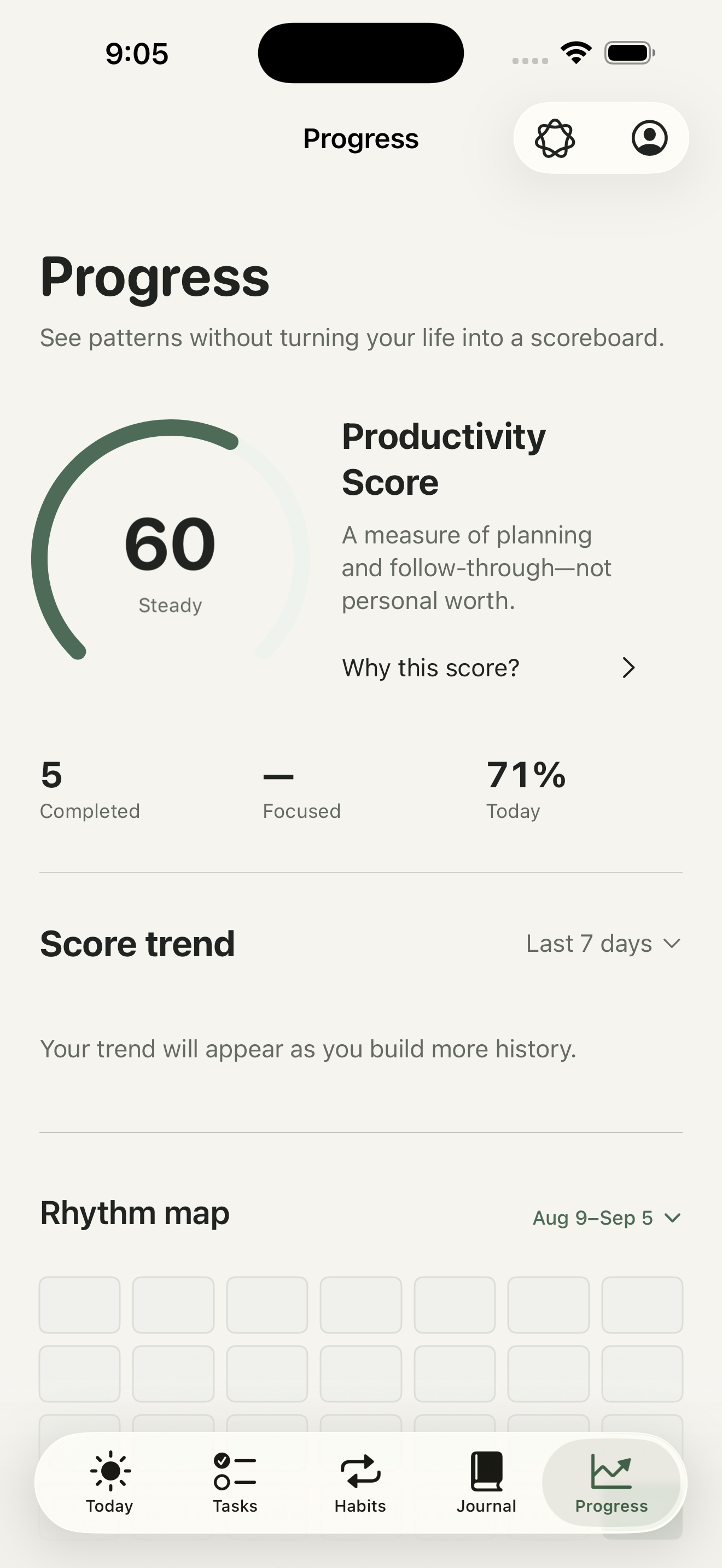
See a productivity score, focused time, score trends, and a date-selectable rhythm map. New users begin with a Learning state, not invented history.
A responsive experience designed intentionally for both device classes.
Inside Rhythm
Zone In keeps the current task and timer in view. Progress brings your completed work and focused time together.
Captured from the current iPhone app using example data. Pre-release interface.

Before you start
Core tasks, habits, journals, and focus sessions work without an account. This version stores your data on the device; cross-device sync and a full backup/restore tool are not available.
Core planning works without Cloud AI. If you enable it, your message, recent chat, and a limited context summary are sent for processing. Raw journal bodies and photos are excluded from that summary. Suggestions still need your confirmation.
Status
Rhythm is preparing for its first public release on iPhone and iPad.
View all products